
Excerpt:
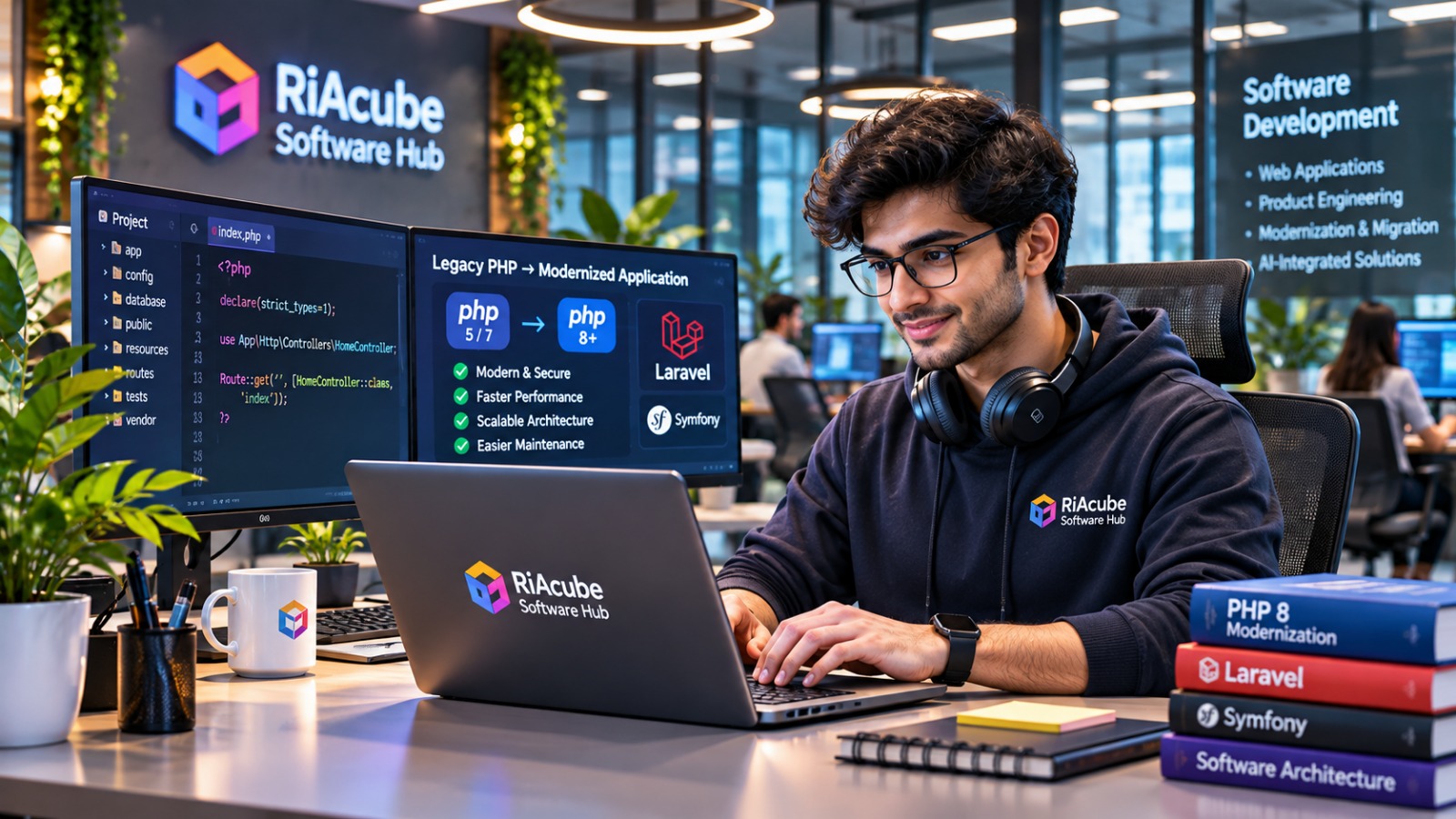
Running your business on PHP 7 puts your website at risk of hacks, slow page speeds, and broken integrations. Hire a dedicated upgrade PHP 7 to PHP 8 developer from RiAcube Software Hub to update your codebase, fix compatibility issues, and launch smoothly with zero downtime.
Every version of PHP 7—including PHP 7.0, 7.1, 7.2, 7.3, and 7.4—has officially reached the end of its support life. If your website, e-commerce store, or custom web application still runs on PHP 7, your hosting provider may already be warning you about extra fees, security risks, or upcoming server shutoffs.
At RiAcube Software Hub, when you hire an upgrade PHP 7 to PHP 8 developer, you get an experienced specialist who handles the entire transition cleanly and safely. Simply switching your PHP version inside a hosting control panel often causes white screens, broken checkout pages, or fatal errors. Our developers inspect your code line by line, fix outdated syntax, update third-party plugins and libraries, and test every page before going live—so your business stays online and runs faster than ever.
Want to know how ready your site is for PHP 8?
Book a free consultation with our team to review your code and plan a safe upgrade path.
What Happens When You Stay on PHP 7
Waiting too long to move off PHP 7 creates everyday headaches for business owners and marketing teams:
No More Official Security Patches
Since PHP 7 stopped receiving security updates, any newly discovered vulnerability stays open forever. Hackers regularly scan the web for sites still running PHP 7.4 and older.
Extra Monthly Hosting Fees
Many managed web hosts now charge steep "extended support" surcharges every month just to keep older PHP 7 servers running.
Broken Plugins, Themes, and APIs
Payment processors, shipping calculators, and third-party software packages now require PHP 8.1 or higher. Staying on PHP 7 blocks you from installing vital updates.
Slower Website Speeds
PHP 8 introduces major engine improvements (including Just-In-Time compilation) that process requests much faster than PHP 7. Staying behind means leaving free speed and better search rankings on the table.
Fear of Breaking Your Live Site
Clicking "Upgrade to PHP 8" in cPanel or Plesk without preparing your code first often crashes forms, shopping carts, or admin dashboards immediately.
How Our PHP 7 to PHP 8 Developers Help
Our developers take the guesswork and risk out of upgrading your PHP environment, whether you run a custom web app or a popular CMS.
PHP 7.4 to PHP 8.3 and 8.4 Code Compatibility Fixes
PHP 8 changed how the language handles data types, error messages, and several older functions that worked fine in PHP 7. Things that used to trigger a silent warning in PHP 7 now cause a complete page crash in PHP 8. Through our PHP 7.4 to PHP 8.3 and 8.4 code compatibility fixes, our developers scan your entire codebase using automated inspection tools, rewrite deprecated functions, fix strict type errors, and clean up warnings so your code runs cleanly on the latest PHP release.
WordPress, Laravel, and Custom PHP 7 to PHP 8 Upgrade Specialists
Different platforms break in different ways during a major PHP jump. As dedicated WordPress, Laravel, and custom PHP 7 to PHP 8 upgrade specialists, we tailor our approach to your exact setup. For custom apps, we refactor raw PHP files and update Composer dependencies. For Laravel and Symfony sites, we upgrade framework packages step by step. For WordPress and WooCommerce sites, we audit custom themes and plugins, replace abandoned add-ons, and ensure your store keeps taking orders without a hitch.
Zero-Downtime PHP 7 to PHP 8 Migration and Testing
Your customers should never see an “Under Maintenance” screen while we upgrade your backend. With our zero-downtime PHP 7 to PHP 8 migration and testing, we clone your site into a private staging server running PHP 8.3 or 8.4. Our team tests every form, login flow, payment gateway, and database query in that safe environment first. Only after everything passes 100% of our checks do we switch your live traffic over seamlessly.
Post-Upgrade PHP 8 Speed Tuning and Security Hardening
Upgrading to PHP 8 is the perfect opportunity to make your software faster and safer at the same time. Alongside the version update, our post-upgrade PHP 8 speed tuning and security hardening optimizes OPcache settings, cleans up slow database queries, removes unused legacy files, and configures modern security headers so you get maximum performance from day one.
Our 5-Step PHP 7 to PHP 8 Upgrade Process
We follow a clear, transparent workflow that keeps your business safe from start to finish:
Step | What Our Developer Does | How It Protects Your Business |
1. Compatibility Scan & Audit | We run automated code scanners across your files, plugins, and packages to list every PHP 8 conflict. | You get a clear, fixed-price quote and exact timeline before we touch any code. |
2. Private Staging Setup | We create an exact copy of your website and database on a private PHP 8 testing server. | Your live website and customers remain completely untouched during development. |
3. Code & Package Fixes | Our developer updates Composer libraries, replaces outdated PHP 7 functions, and resolves all warnings and errors. | Eliminates white screens, broken layouts, and fatal runtime crashes. |
4. End-to-End Quality Testing | We test logins, checkouts, contact forms, admin panels, and third-party APIs on PHP 8. | Guarantees every feature your team and customers rely on works smoothly. |
5. Zero-Downtime Go-Live | We switch your live server to PHP 8, monitor server logs in real time, and provide post-launch support. | Smooth transition with zero lost orders, zero downtime, and immediate rollback protection. |
Tech Stack We Support
Our PHP upgrade developers work across modern and legacy web environments:
- Source Versions
PHP 7.0, PHP 7.1, PHP 7.2, PHP 7.3, and PHP 7.4 (plus older PHP 5.x bridges if needed).
- Target Versions
PHP 8.1, PHP 8.2, PHP 8.3, and PHP 8.4
- Frameworks & CMS Platforms
Laravel, Symfony, CodeIgniter, WordPress, WooCommerce, Magento, Drupal, and custom-built PHP applications.
- Scanning & Testing Tools
PHPStan, Rector, PHP Compatibility, Composer, PHPUnit, and automated browser testing
- Servers & Control Panels
AWS, DigitalOcean, Google Cloud, cPanel, Plesk, RunCloud, Laravel Forge, Nginx, and Apache.
Frequently Asked Questions (FAQs)
We follow a clear, predictable process designed to protect your live business operations from day one:
Switching the PHP version in cPanel or your hosting dashboard changes the server engine immediately without updating your code. Because PHP 8 removed older functions and introduced stricter rules, unedited PHP 7 code frequently crashes with fatal errors or broken checkout pages. A developer should always test and fix your code on a staging copy first.
Most websites and web applications see a 20% to 50% improvement in page response times right after moving from PHP 7.4 to PHP 8.3 or 8.4. Your server can also handle more visitors at the same time without slowing down or requiring expensive hardware upgrades.
For a standard website or mid-sized web application, an upgrade typically takes 1 to 3 weeks from initial scan to live launch. Larger custom applications with heavy third-party integrations or thousands of legacy files usually take 3 to 6 weeks.
We generally recommend upgrading directly to PHP 8.3 or PHP 8.4, as both are actively supported with security updates and offer the best speed improvements. If one of your essential third-party tools has a specific requirement, our developer will verify compatibility and recommend the safest target version.
No. Upgrading PHP updates the programming language that runs your website, while your database records remain safe. We always take full backups before starting and test all database reads and writes on a staging server to make sure orders, user accounts, and form submissions work properly.
- Keep Reading